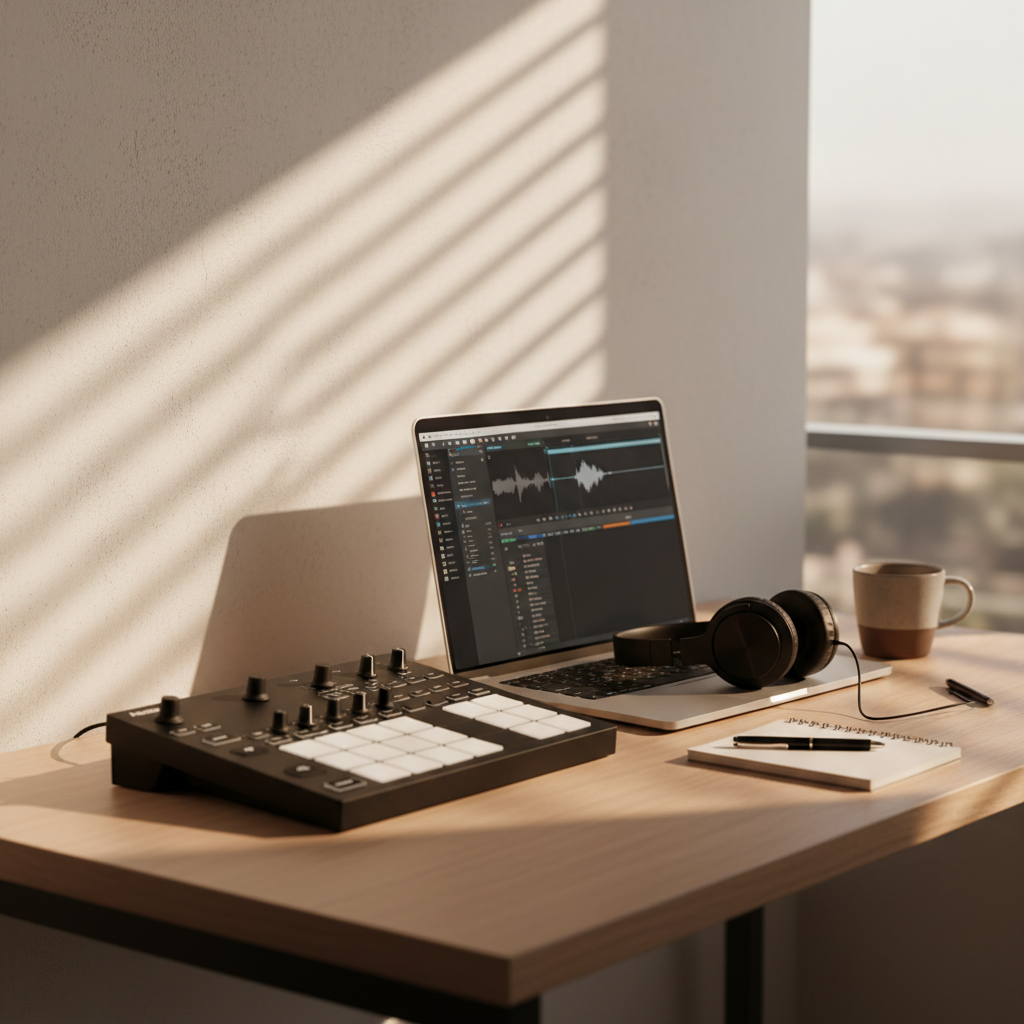
It’s 2am. The agent loop has already mangled my track layout twice, and now it’s confidently naming clips I never asked it to touch. That’s the strange promise of ableton live mcp: you can finally let a model reach into a DAW, but the second it crosses from “helpful” into “operating your session,” the failure modes get very real. The upside is obvious. The hard part is deciding how much control you actually want to hand over.
What is ableton live mcp really doing?
At a high level, ableton live mcp is a bridge. It exposes parts of Ableton Live in a way an AI agent can inspect and, depending on the server, act on. That usually means the model can ask about tracks, clips, tempo, device chains, or project state instead of guessing from screenshots or brittle UI automation.
The important distinction is that MCP is not “AI inside Ableton.” It’s an interface layer. That matters because the quality of the setup depends less on the model’s raw intelligence and more on the schema, the server implementation, and how much state the agent can safely read before it touches anything. Anthropic’s MCP spec frames this as a standardized way for models to use external tools, which is useful precisely because it keeps the tool boundary explicit rather than magical. Source
Side note: that explicit boundary is also why the demos can look better than the real thing. A clean demo usually hides the ugly bits like stale state, missing permissions, and the agent deciding a clip rename is the same thing as a structural edit. It isn’t.
Where does it actually help in a music workflow?
The best use case is not “make the song for me.” It’s repetitive session work: renaming tracks, checking routing, summarizing arrangements, spotting obvious inconsistencies, and turning messy notes into actionable edits. In long-form drafting for music production notes, the model’s value is often organizational rather than creative.
That’s where MCP feels different from a generic chat window. A model with access to project metadata can answer “which tracks are muted?” or “what’s the tempo map doing in the bridge?” without you tabbing through the whole project. If you’re using a tool like Cursor, the same underlying idea shows up in its context features: the model does better when it can inspect real artifacts instead of being fed a vague prompt. The comparison isn’t perfect, but the principle is the same.
In repeated sessions reported by users of agentic DAW workflows, the biggest time savings tend to come from reducing context-switching, not from replacing musical judgment. That’s the useful frame here. If you’re expecting the model to make arrangement calls, you’ll be disappointed. If you want it to prepare the boring parts of the session so you can make the actual calls faster, it starts to make sense.
Where does it break, and why do people overtrust it?
This is the part most upbeat posts skip. Ableton Live is stateful in ways that agents are bad at respecting. A track can exist, but be hidden. A clip can look editable, but be in a context the agent didn’t inspect. A device chain can be technically present while still being useless because the routing is wrong. The model sees a partial world and fills in the rest.
I tried a similar tool path first with a generic UI-driving agent, and it didn’t work well enough to trust. The issue wasn’t just accuracy. It was recovery. Once the assistant made one wrong move, it had a hard time backing out cleanly. That’s why I’d push back on the common advice that “you should just let the agent handle the session.” Most of the time, you want a read-first, write-later flow with explicit confirmation before any destructive action.
There’s also a subtle failure mode around tempo and arrangement assumptions. The model may infer structure from clip names or section labels, but those are human conventions, not guarantees. In my experience, that’s where you need a small hedge: trust the assistant to suggest, not to decide, unless you’ve already constrained the server to a narrow task.
How does it compare with other AI-to-DAW setups?
Here’s the cleanest way to think about it: MCP-based access is usually more structured than screen scraping, but less turnkey than a purpose-built app workflow. The structure helps the model reason over the session. The downside is that you inherit the quality of the server and the completeness of the exposed tools.
| Setup | What it’s good at | Where it struggles | Source |
|---|---|---|---|
| ableton live mcp | Structured access to project state and repeatable edits | Depends heavily on server design and safety rails | MCP spec |
| Generic UI agent | Can work without a dedicated integration | Brittle, visually driven, easy to derail | Cursor context/features |
| Manual Ableton workflow | Fastest for experienced users on creative decisions | Slower for repetitive cleanup and documentation | Workflow baseline |
If you want a practical rule, use the structured route when the task is checkable and reversible. Use manual control when the task changes the emotional or musical shape of the session. That split sounds obvious, but it’s the difference between a helpful assistant and a very confident intern.
What does a sane setup look like?
A sane setup starts small. Expose read-only tools first. Make the model summarize the session, list tracks, identify obvious conflicts, and propose edits before you let it change anything. That gives you a chance to see whether the server is mapping Ableton’s state correctly.
Then add one narrow write path at a time. Track renaming is safer than arrangement edits. Tempo inspection is safer than tempo rewriting. Clip metadata cleanup is safer than clip movement. The pattern is boring, but boring is what you want when the assistant has access to your actual project file.
Key Takeaway
Use ableton live mcp like a scalpel, not a co-producer. The goal is to reduce friction around the session, not to outsource taste.
Key Takeaway
Read-first access, narrow write permissions, and explicit confirmation are the difference between a useful Ableton assistant and a session-wrecking one.
How should you prompt it without making a mess?
Keep prompts tied to the object you want changed. “Inspect the current session and list tracks with missing routing” is better than “clean up my project.” The first one is testable. The second one invites improvisation.
For the current Claude Sonnet model, this kind of task tends to work best when the prompt includes a clear stop condition: summarize, then ask before edits. For Cursor-style workflows, the same principle shows up in context selection: give the model only the files or artifacts it needs. Too much context sounds helpful, but it can make the assistant more eager to invent connections that aren’t there.
I haven’t figured out a perfect prompt pattern for creative session work, and I doubt there is one. That’s the honest answer. The useful trick is to separate diagnosis from action. Ask for a report first, then issue a second command only if the report is sane.
What caveat do most comparison posts miss?
The missing caveat is that “automation” and “musical usefulness” are not the same metric. A tool can be technically capable and still be a bad fit for a producer who relies on fast tactile changes. Conversely, a narrow assistant can save a surprising amount of time if your bottleneck is admin, not inspiration.
Another overlooked point: MCP success depends on how much of Ableton’s state is actually exposed. If the server omits the thing you care about, the model will compensate with guesswork. That’s not a model problem alone. It’s a coverage problem.
So the real question isn’t whether ableton live mcp works in the abstract. It’s whether your workflow has enough repetitive, checkable work to justify the integration overhead. If yes, it can earn its keep. If not, the cleanest setup is still the one where you never need to explain your session to a machine at all.
FAQ and practical takeaway
Q: Is ableton live mcp mainly for producers or developers?
A: Both, but in different ways. Producers benefit when the server exposes useful session metadata. Developers benefit when they can shape the tool surface so the model only sees safe, structured actions.
Q: Does it replace manual Ableton work?
A: No. It shifts some repetitive inspection and cleanup into a tool-assisted flow. The hands-on parts of arrangement, sound choice, and final judgment still belong to you.
Q: What’s the safest first task to automate?
A: Read-only session inspection. If the assistant can reliably describe the project before it edits anything, you’ve got a much better chance of trusting the next step.
Practical takeaway: Start with read-only access, pin one narrow workflow, and only widen the permissions if the assistant keeps proving it can see the session accurately. Would you trust it more if it could explain your project before it touched a single clip?